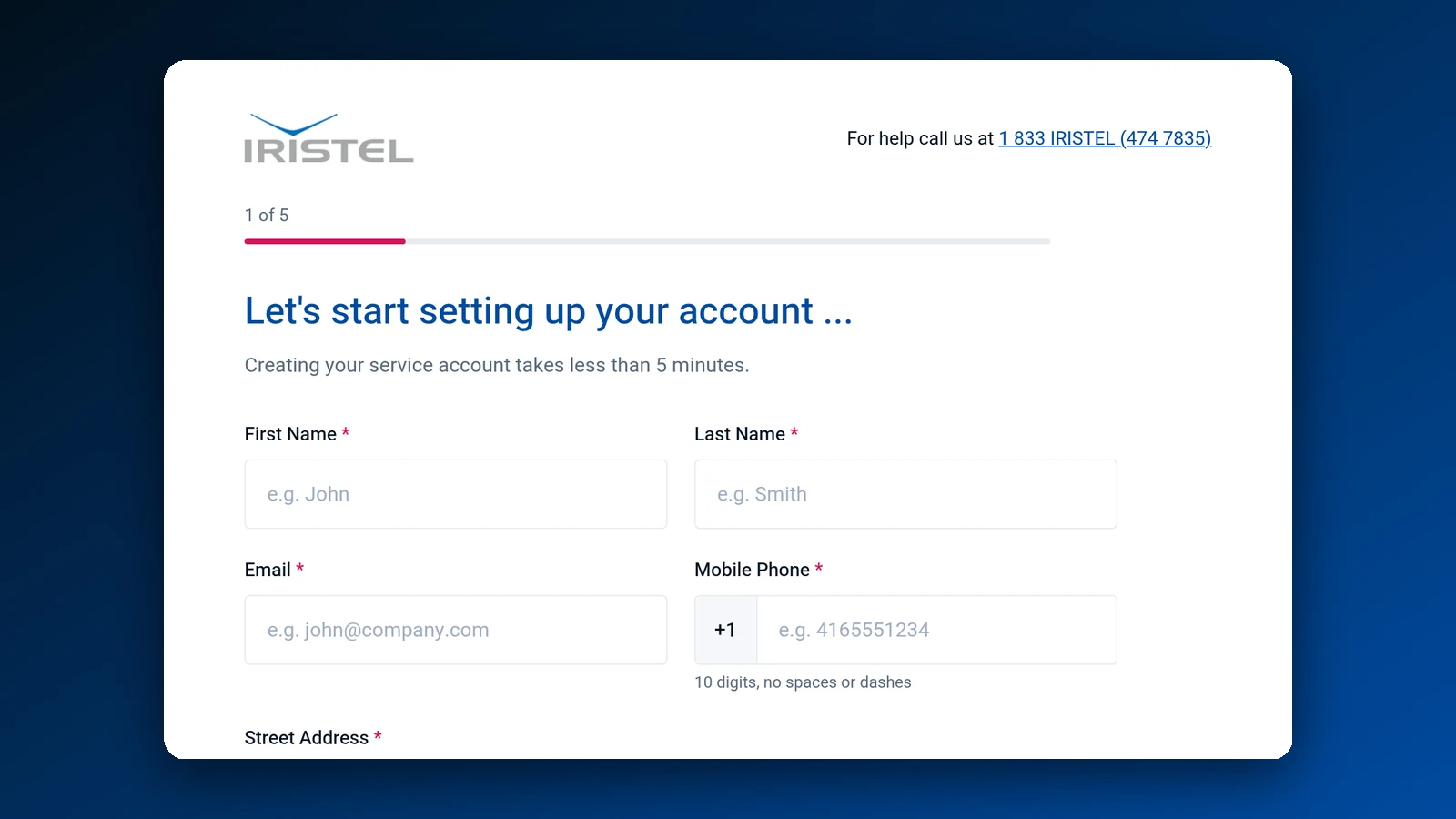




What if ordering a SIP trunk could be as easy as shopping online? No lengthy back-and-forth, no complicated ordering process—just a guided experience that puts you in control.
That’s the idea behind Iristel’s new SIP online ordering platform. Designed to make getting started easier, it brings the key steps together in one convenient place, from choosing your plan to tracking your order.
Here’s a closer look at what customers can expect.
1. Get Started on Your Own Terms
Getting your business connected should be straightforward. The new platform lets customers create an account online, enter their business details, and select a SIP trunk plan—all at their own pace, without needing to speak with a sales representative.
With clear steps to follow, getting started feels less like paperwork and more like a simple online experience.
The best part? You can take care of the essentials in one place, whenever it suits you.
2. Clear Pricing, No Guesswork
Nobody likes surprises at checkout. The platform makes pricing easy to understand, with a SIP trunk plan priced at $25 per concurrent call channel per month, plus $2 per phone number.
Customers can save their payment details during sign-up and review their estimated charges before placing an order.
It’s a more transparent way to shop for business communications, helping you understand what you're ordering and what it will cost before you commit.
3. Your Numbers, Your Choice
Whether you're launching a new business line or moving an established number to a new provider, the platform gives you options.
Customers can choose new phone numbers based on their preferred city and area code, or request to transfer existing numbers. For businesses porting their numbers, temporary numbers can help keep the trunk operational while the transfer is underway.
New numbers are indicated as available for immediate activation, while number porting takes at least five business days.
A helpful tip: If you're transferring existing numbers, have your current provider account details and service address handy before you begin.
4. Set Up Your Team with Ease
Once you've chosen your numbers, you can add users by entering their names, phone numbers, and packages. You'll also select a pilot user to identify the trunk to your phone system.
The guided process helps make setup more manageable, with extensions and SIP settings configured automatically.
Whether you're setting up a small team or planning for multiple users, the goal is to make the process easier to navigate.
5. Review, Confirm, and Follow Your Order
Before checking out, you'll see your order details together on one page, including your business information, phone numbers, users, and pricing. You can make changes before accepting the terms and submitting your order.
And what happens after you click submit?
You can follow your order's progress through live provisioning updates, from account setup and number processing to trunk configuration. There's no need to stay on the page while the work continues—you'll receive an email when setup is complete, along with your credentials.
It's a more convenient way to stay informed without wondering what happens next.
A Simpler Way Forward with SIP
The new SIP online ordering experience is all about putting convenience and control in customers' hands. From selecting a plan and choosing numbers to reviewing costs and tracking progress, the journey is designed to be clearer, easier, and more accessible.
For businesses looking for a straightforward way to get connected, it's a welcome step toward a more self-service approach to communications.
Ready to explore a simpler way to order SIP? Discover the new online ordering experience and see how easy getting started can be.